
Description
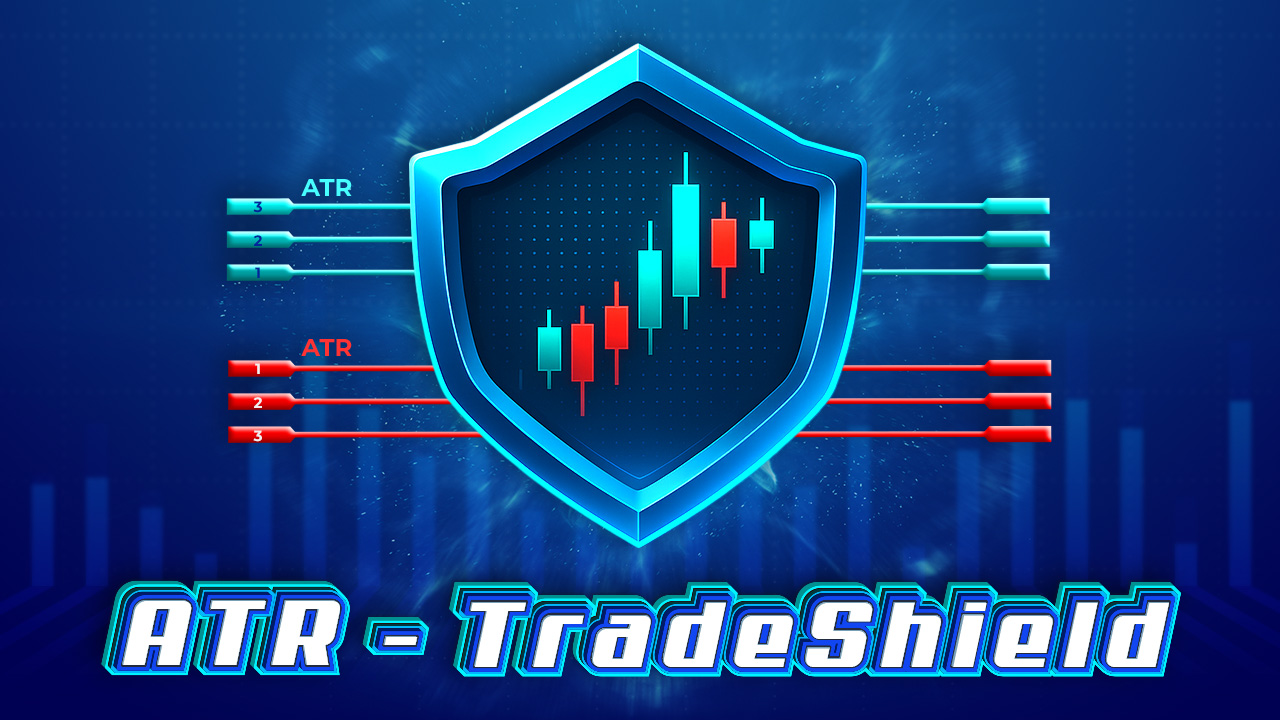
Every trader has a way to set Stops and Targets – swing highs/lows, fixed ATM, or gut feel. ATR-TradeShield offers you another approach to place and adjust your Stops/Targets dynamically: That is ATR (Average True Range).
Key Benefits
- Adapt to volatility – Stops auto-adjust with real-time market movement, based on ATR values.
- Clear visuals – See Stop/Target levels plotted directly on your chart, no guesswork.
- Consistent risk/reward – ATR-based placement balances room for price action with rational R:R ratios.
- Multi-contract control – Manage up to 3 Stop/Target levels, merge or split with one click.
Features
- Place Stops/Targets by ATR multipliers (2xATR, 3xATR, etc.).
- Auto-shift up to 3 Stops in sync.
- Merge/split multi-contract setups instantly without manual edits.
- Switch between classic ATR or ninZaATR for more flexibility.
Related materials for references
1. A dedicated webinar for ATR-TradeShield:
2. A dedicated post for ATR-TradeShield: https://gracetrading.io/product/atr-tradeshield
3. FAQs:
Question 1: Do I still need an ATM strategy when using ATR-TradeShield? What’s the connection between the ATM and the parameters I set (like Multiplier & ATR)?
→ No, with ATR-TradeShield, you don’t really need an ATM because your ATM settings will be replaced by ATR (or ninZaATR) values.
And the ATR or ninZaATR values do not always stay still or fixed like your ATM. They change every moment. You can add them to your chart to see their changes over time.
To change your ATM (tick unit?) values into ATR level values, please take a moment to read these instructions:
https://gracetrading.io/product/atr-tradeshield#:~:text=How%20to%20use%20ATR%20in%20Ticks




Reviews
There are no reviews yet.